1. Photoshop bridge is actually a pretty powerful tool....you might want to read about it
Bridge Overview Here
Your first #2....LOL....I am not sure what you mean...would you clarify?
Your second #2.....(sorry..gotta poke fun at ya!!)
Dell makes quite a nice wide screen unit for the $350.00 range. If your not considering yourself a graphics professional that has to nail every color every time right down to its pantone number.......this is a quality monitor that will give quality results.
If your doing demanding prepress work and dead serious....then the expense will put you in the $1700.00 + range for the likes of an Eizo FlexScan, or the LaCie 321...which should be a bit cheaper when introduced.....(but in the same ballpark) both are acknowledged as the top of the line monitors.
Me...I use two cheap (calibrated) CTL 19" monitors .....and my colors come out dead on for my prints.
DNG s interesting...but I dont want to use it till it is an accepted standard. Till then I save my RAW files and basicly my file system looks like this.
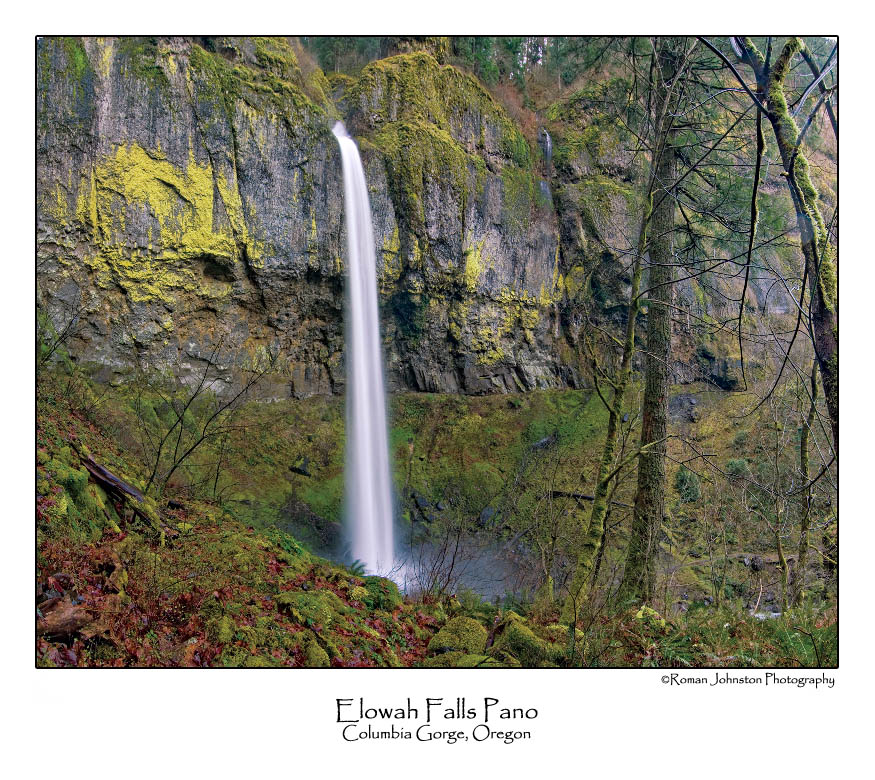
Main folder (Labled somthing like "2007.03.17 Hike back to Elowah Falls") All my origonals that make muster are stored there....I can anything I know will not work...or will be a headache. I also get rid of my tiny .jpg side files (I shoot RAW + .jpg small so I can zoom in my little Epson P2000 in the field and check critical focus as I cant zoom into RAW files) My files stay in folders by year....and since my experience is my best catalog.....I am able to move around most anwhere I can...so I am guilty in not leveraging the power of Adobe Bridge....I am sure though some day I will have a collection big enough that it will start to make me scratch my head....and I will start looking into the tools I already have...LOL!!!!
In the folder I have a folder called "Edited" and "30x45 Ready for print". In the edited folder (the 30x45 is self explanitory) I have 4 folders....."In Work" "Unsharpened" "Sharpened" and "Web"
Roman